
We’re excited to introduce a new feature in the GLF Connect mobile app: Pinch-to-Zoom for all Media images. With the latest updates — version 4.13.17 for iOS and 4.18.14 for Android — both coaches and students can now zoom in on image media files, making it easier to focus on important details and enhance learning.
This intuitive feature lets users pinch, zoom, and pan images directly within the app, enabling students to examine visuals closely and coaches to highlight subtle details — all without switching to a desktop. By bringing detailed, hands-on analysis to mobile screens, pinch-to-zoom makes coaching and learning more engaging, effective, and interactive, ensuring every detail is clear and actionable on the go.
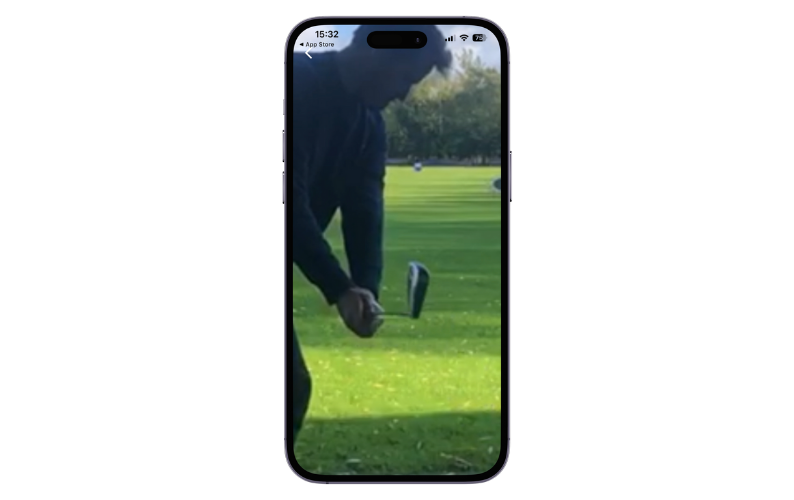
How to Use:
- Update the app to iOS 4.13.17 or Android 4.18.14.
- Open any Media image.
- Pinch to zoom in or out, and drag to pan across the image.
With pinch-to-zoom, GLF Connect continues to enhance mobile learning and coaching, giving users a richer, more interactive experience wherever they are.