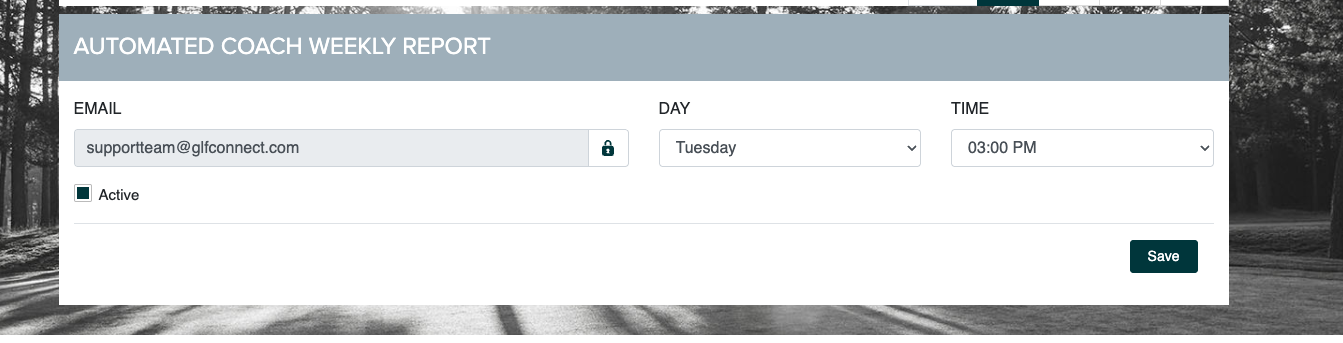
We’ve made several improvements to Automated Reports to simplify setup, improve consistency, and make reporting easier to manage across user roles. These updates apply to the various automated reports such as Play 9, Customer Care, and Lessons Delivered.
Email Field Autopopulation
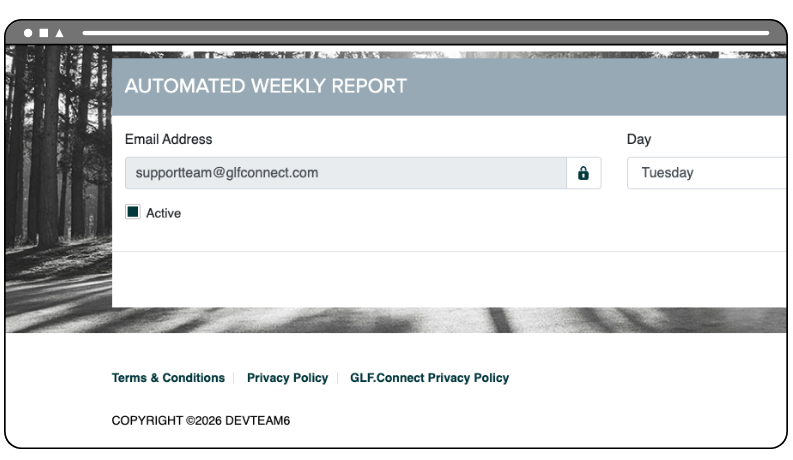
Automated report email fields now automatically populate with the email address listed in the user’s profile. Multiple email addresses can no longer be added. This simplifies report setup and ensures reports are always sent to the correct user. Reports that need to be shared with others can be forwarded externally.
More Consistent Report Settings
The report settings have been standardized. Users now only need to select whether the report is active and the day and time it should be sent. Time zone settings are automatically applied based on the academy’s owner space settings.
This reduces setup complexity and creates a more consistent experience across all automated reports:

Improved Visibility with Quick Links
Quick links to automated report settings have been added across key screens, including the Customer Care List.
This makes it easier to discover and access reporting features, saving time for users:

Automated Coach Care List Reports Now Managed by Coaches
Coach users can now set up their own Customer Care or Play 9 reports directly within the Coach user role and Customer Care List screen. Previously, this was managed through the Manager role.
Coaches now have more control over their reporting, while managers can still run club-wide or coach-specific reports as needed: